Chroma Studio
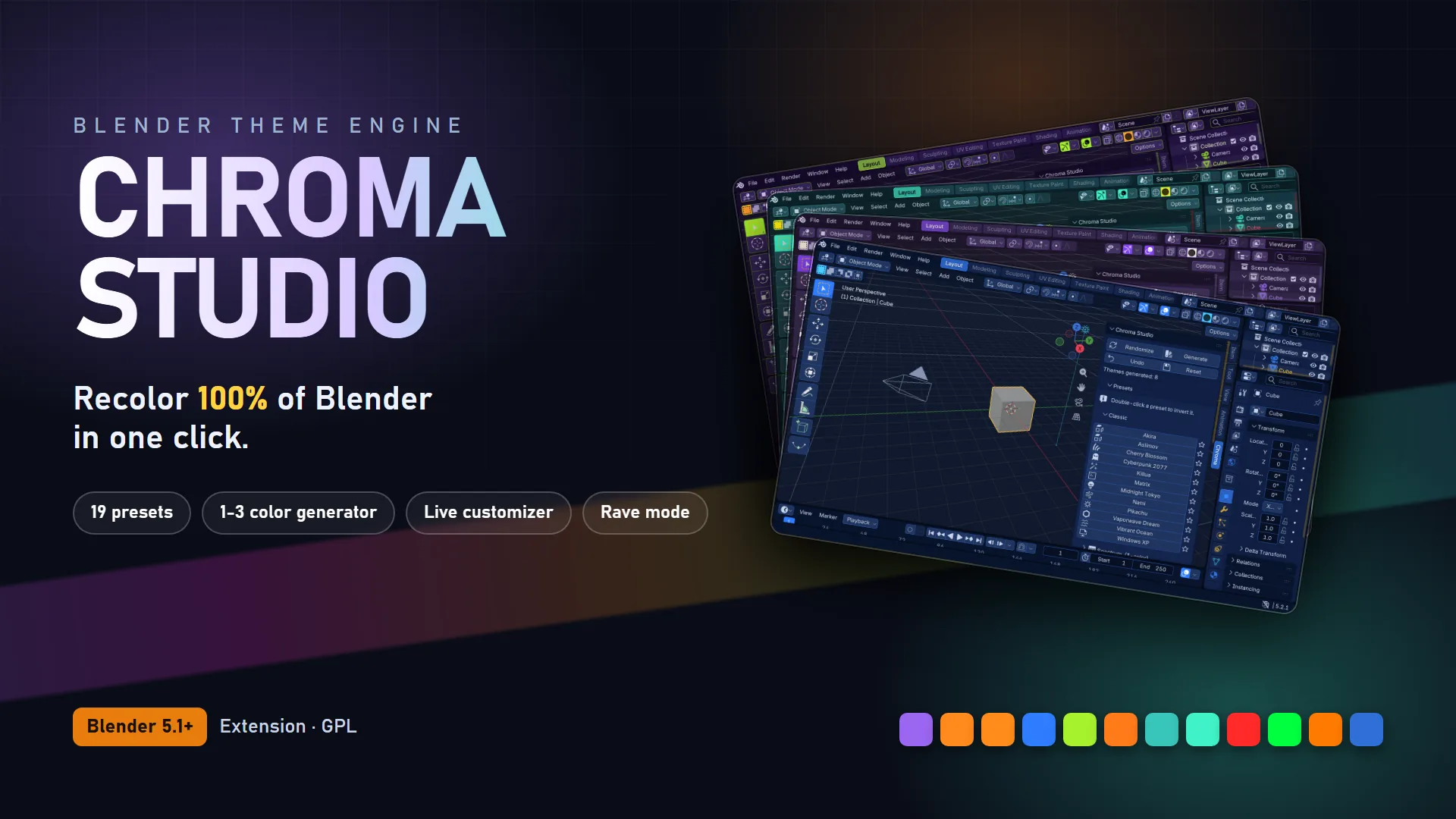
Recolor 100% of Blender in one click.
Recolor 100% of Blender in one click.
Tired of Blender's gray? Chroma Studio recolors the entire interface, every editor, panel, widget, viewport and node, from one panel in the 3D Viewport sidebar. Pick a preset, generate a theme from a colour you love, or fine-tune every role yourself. Whatever you do, the whole UI follows.
It is a theme engine for Blender 5.1 and newer: 22 one-click presets including community-voted Themes of the Month, a one-to-three-colour generator, and a live customizer where each slot recolors its role everywhere in Blender at once. Save themes as JSON, share them, step back with Undo, or reset to Blender's default at any time.
Themes live in Blender's preferences, so your .blend files are never touched. Pure Python, no dependencies, installs as an extension. Preset names are colour inspirations only and imply no affiliation with any franchise or brand.
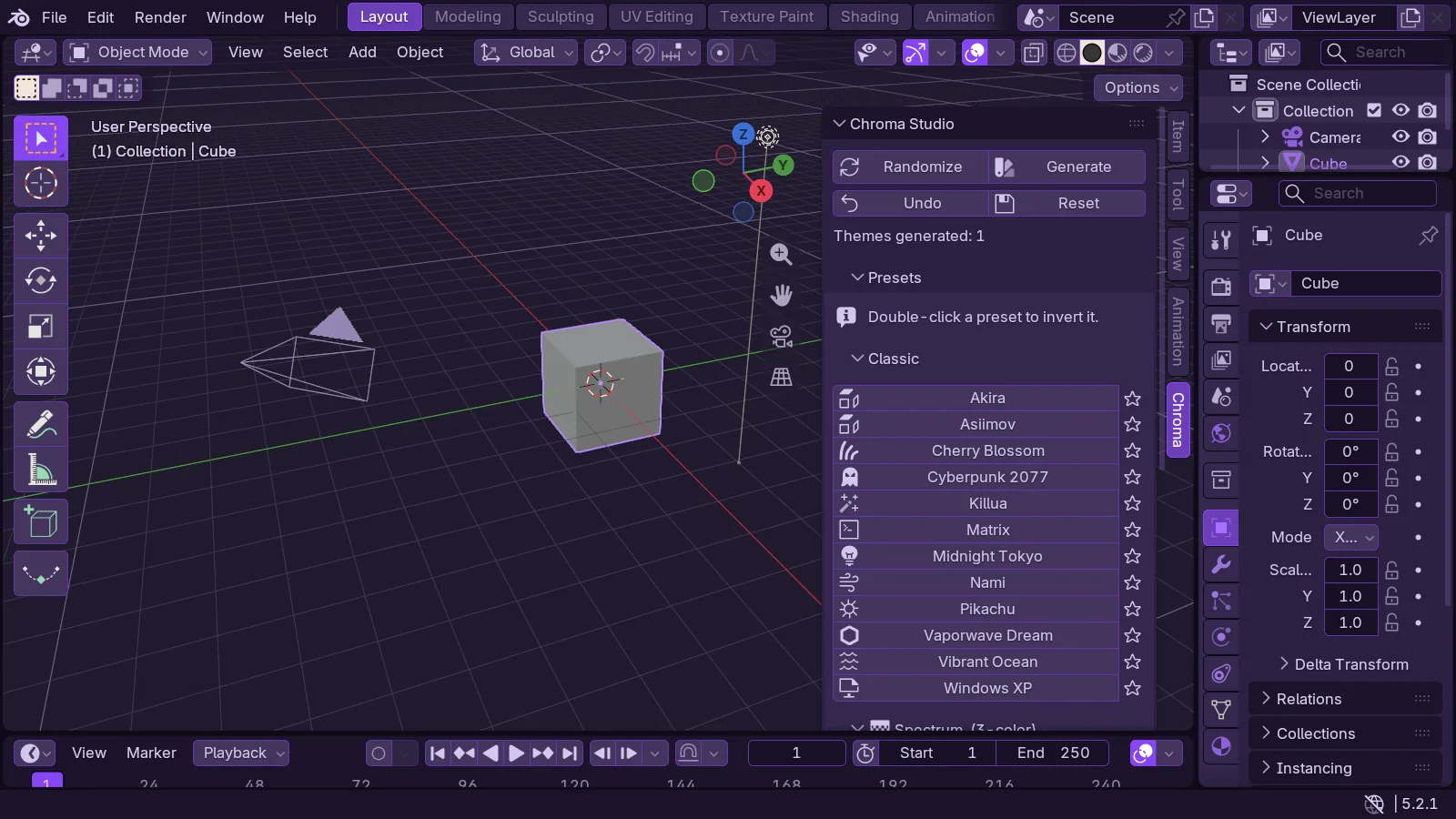
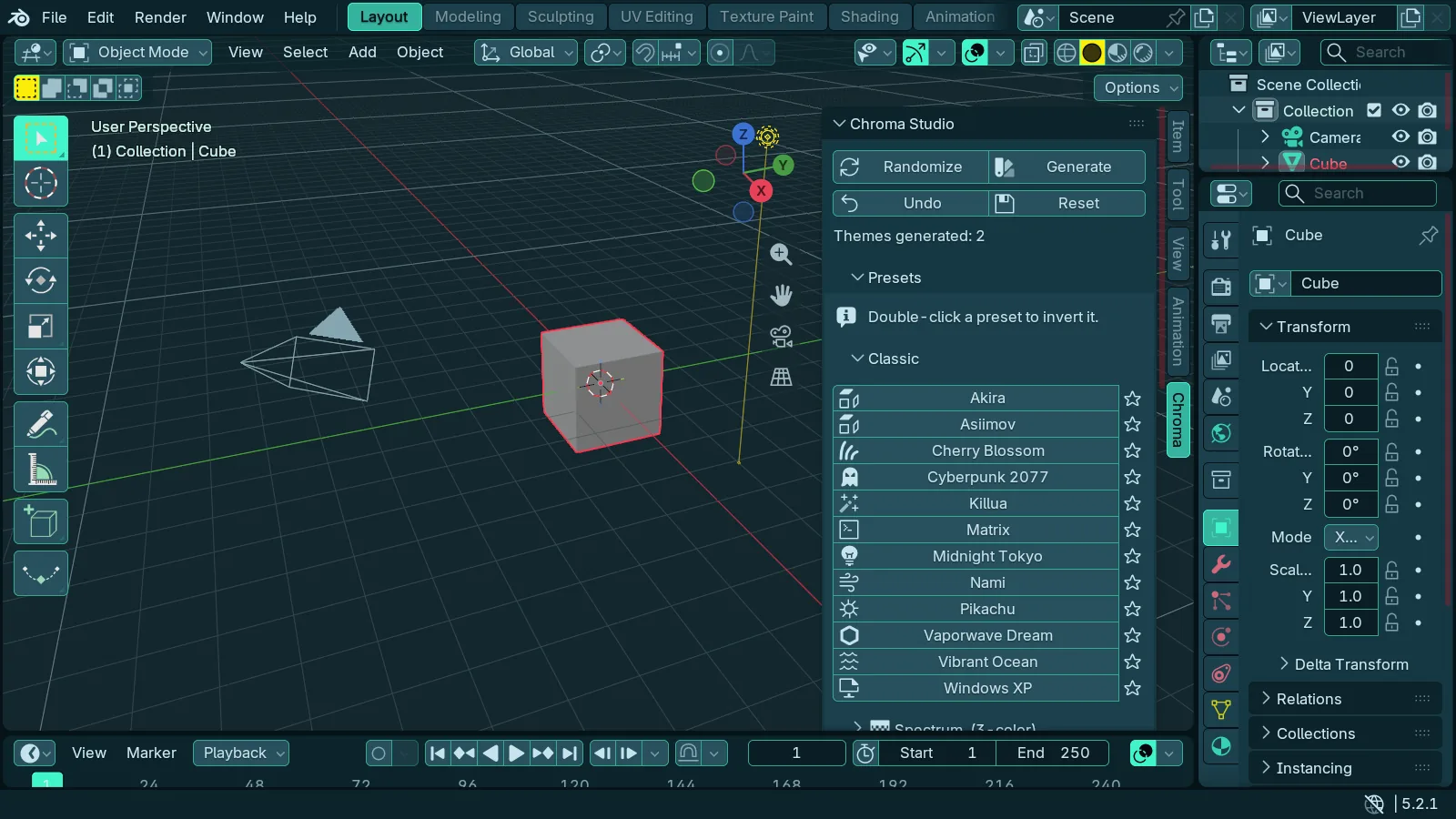
Twenty-two themes. One click each.
Twelve Classic themes, seven Spectrum themes built from three signature colours apiece, and community-voted Themes of the Month, each family in its own dropdown. Flip any preset with the invert button. Star your favourites and they sort to the top.
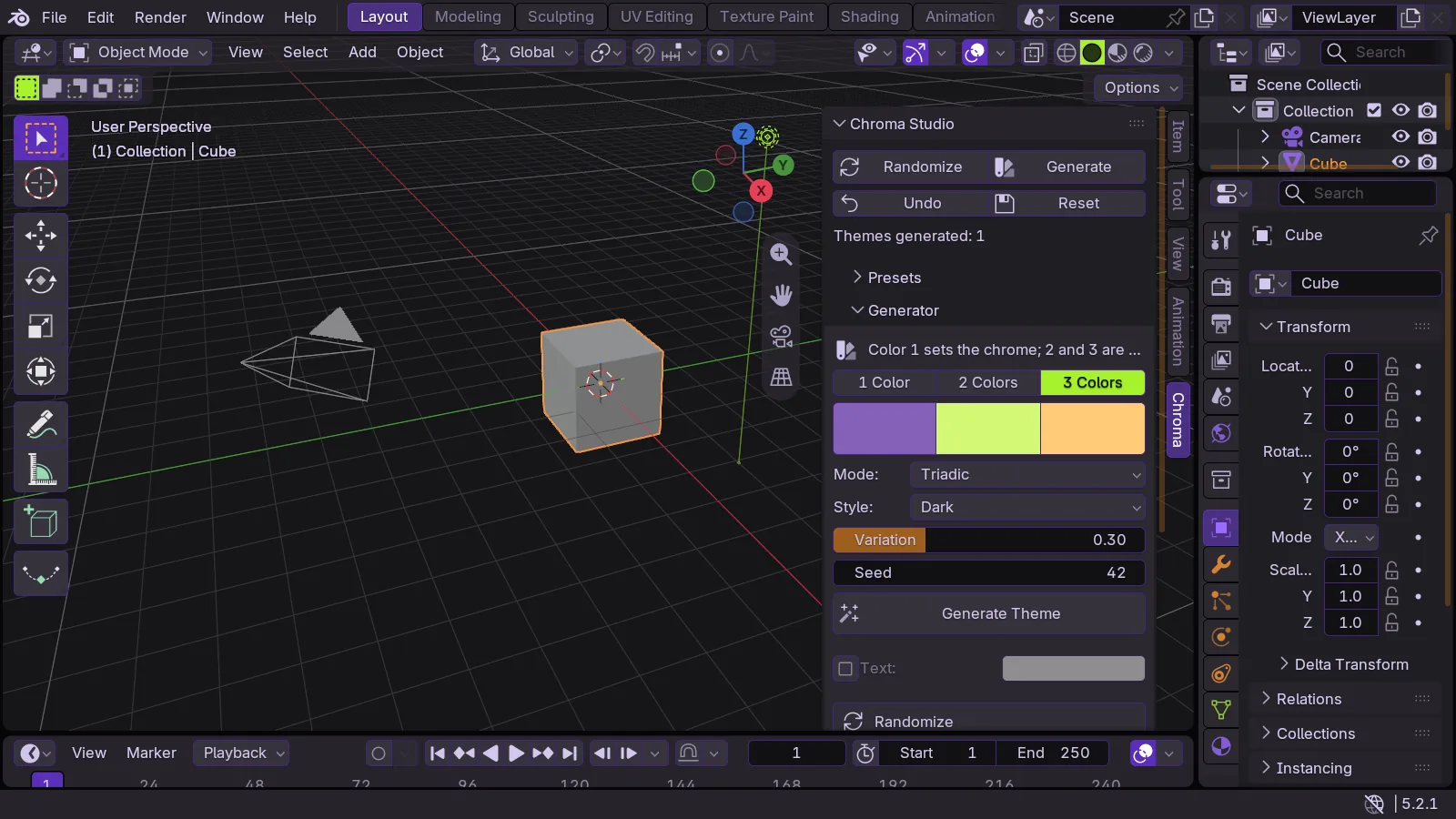
Pick a colour. Get a whole theme.
One, two or three colours in, a complete and cohesive theme out: chrome from your first colour, accents from the others, everything else derived to match. Choose the harmony, the style and how far the accents spread. Hit Randomize for a surprise, Shift-click it for chaos.
Every role, live.
Backgrounds, five accents, widgets, text, lines, status colours, per-editor zones and shape. Change one slot and that role updates everywhere in Blender instantly. Grab any active theme, Blender's default or a downloaded one, as a starting point.
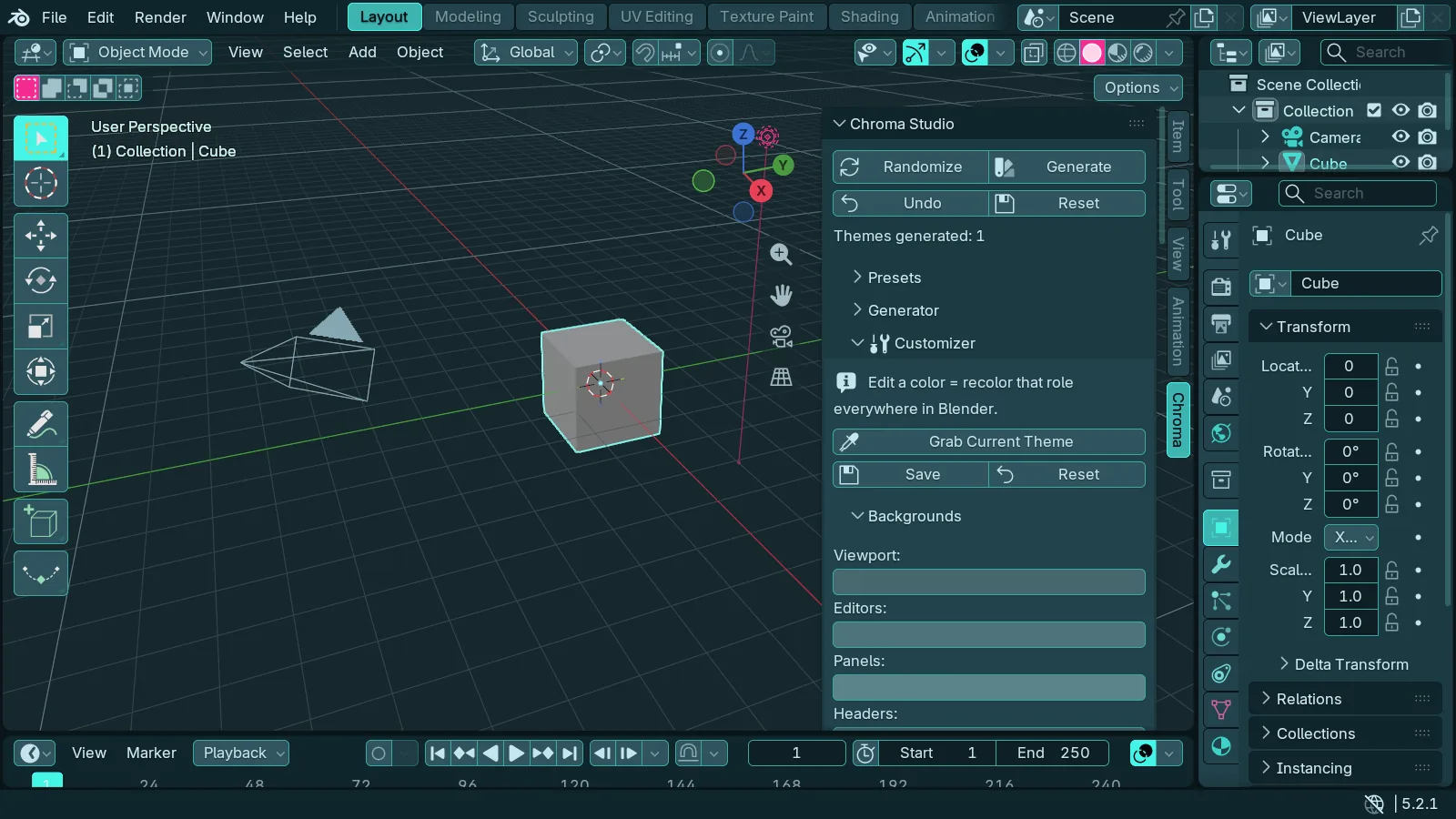
100% of Blender. No gray leftovers.
Chroma sets every colour property in Blender's theme: 3D Viewport, node editors, animation editors, image, sequencer and clip editors, text editor, console, info, outliner, properties, file browser, spreadsheet, top and status bars, gizmos, icons, bone, collection and strip colours.
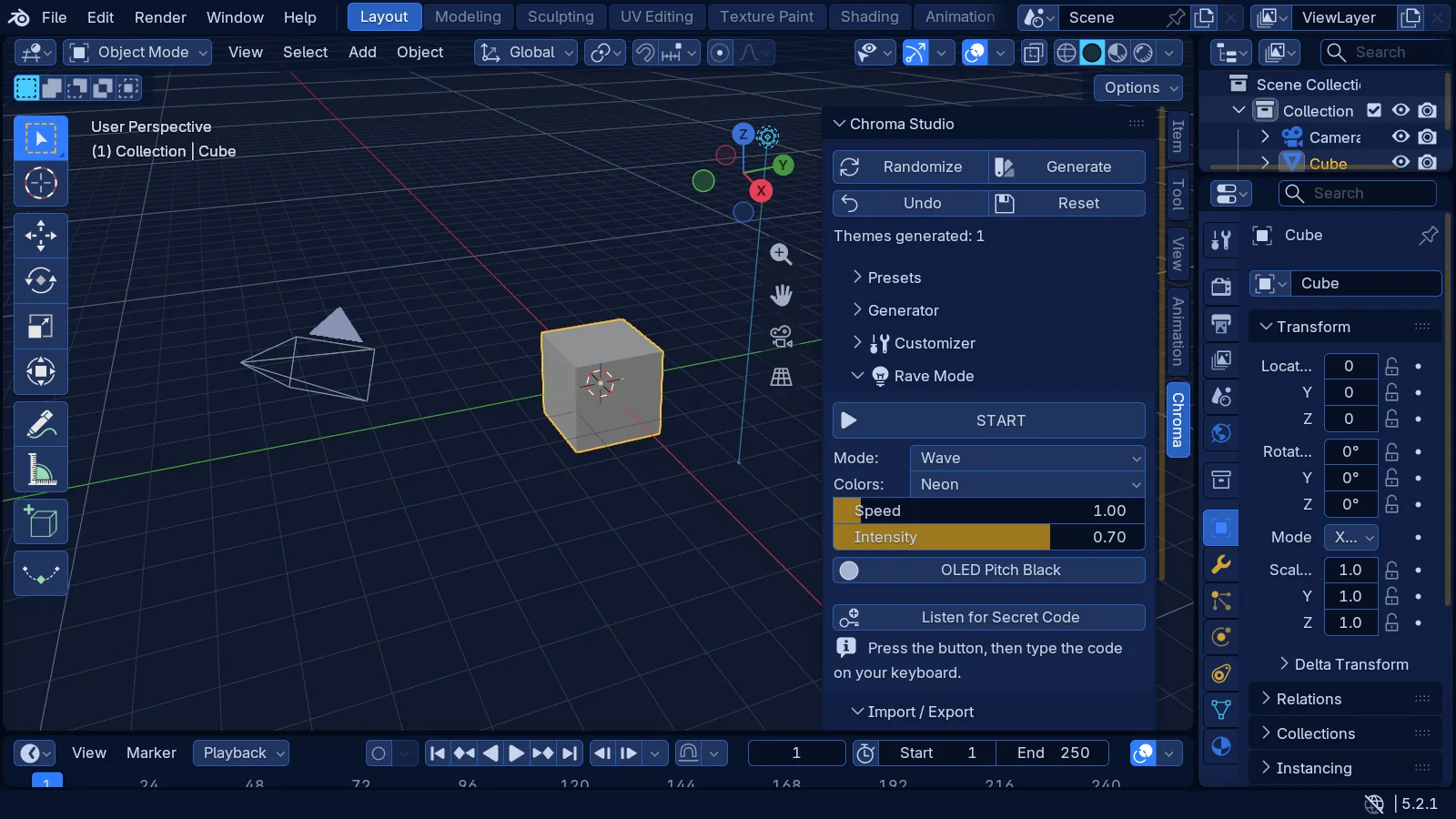
Themes that move.
A smooth Rainbow Flow through six colour schemes (Neon, Pastel, Fire, Ice, Sunset, Toxic), with an OLED pitch-black option. Built for streams, demos and late nights.
Yours to keep.
Save themes as JSON, export and import them, step back with Undo, or reset to Blender's default at any time. Settings persist across files and sessions. Three secrets are hidden inside. Have fun finding them.
Tech specs
- Presets
- 12 Classic + 7 Spectrum + Themes of the Month, one-click invert
- Generator
- 1 to 3 colours, 5 harmonies, 4 styles plus Surprise, variation
- Coverage
- Every theme colour in Blender, in every editor
- Rave mode
- Rainbow Flow x 6 colour schemes, OLED option
- Themes
- Save, export and import as JSON; undo; reset
- Install
- Extension: Get Extensions, then Install from Disk
- Platforms
- Windows, macOS, Linux
- Dependencies
- None. Pure Python.