LoopFlow
Make motion loop.
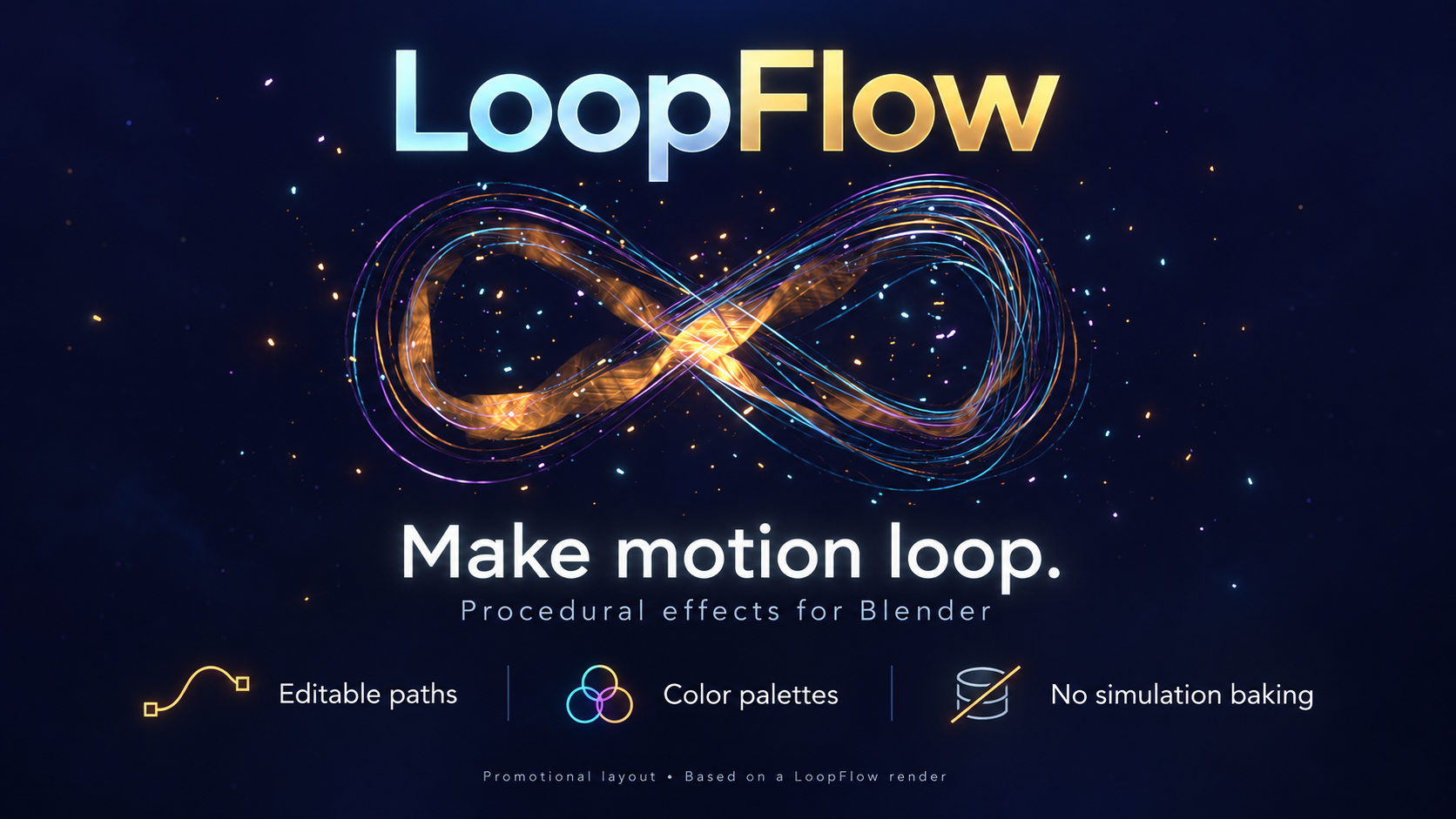
Make motion loop.
Create repeating weather, atmosphere, fire, fireworks and flowing energy with Geometry Nodes. Choose an effect, adjust its appearance and motion, and match the loop to your timeline. No simulation baking is required.
Build with snow, rain, leaves, floating dust, magic particles, custom object and collection effects, procedural fire, steam, smoke, god rays, scene-lit fog, rain ripples, energy filaments and fireworks. Explore realistic and stylized presets with editable colors, materials, seeded variation and effect-specific controls.
Version 1.38.0 adds slow energy motion that keeps the loop exact, custom-shape fireworks from objects or images, mesh-wireframe energy paths, and reorganized controls. The bundle includes 32 grouped examples, 99 example and variation scenes, and three finished showcase scenes to render or take apart.
Built for Blender 5.0, with targeted checks in 5.0.1 and 5.2.2. Example files are saved in Blender 5.2.2. Realistic materials and volumes need suitable lighting, and any user-supplied animation or camera movement must loop independently. LoopFlow is procedural, not a collision or fluid simulation system. Clouds and sky effects are not included.
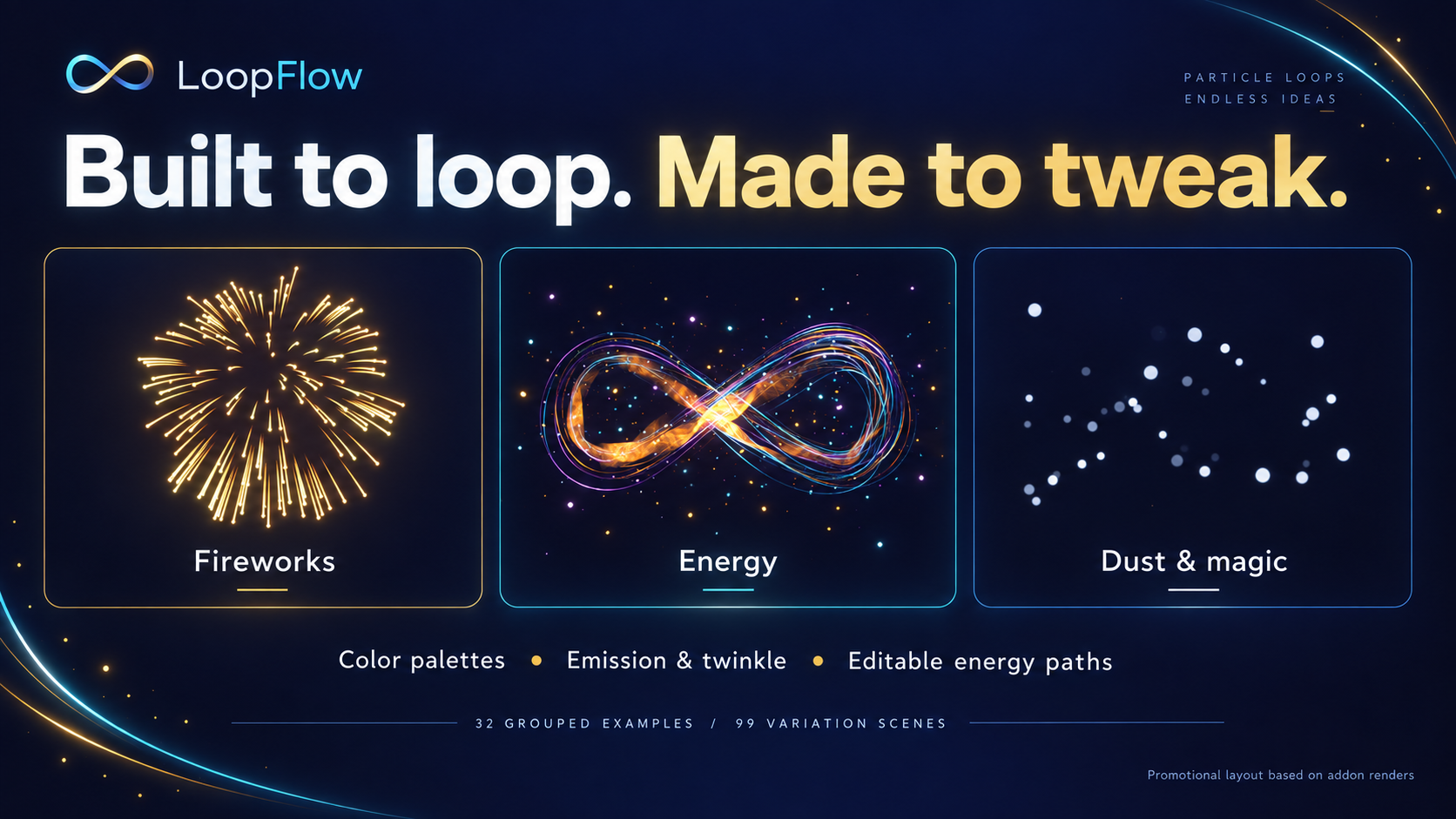
The two promotional graphics are AI-designed layouts based on actual add-on renders. The other still images show rendered effects and showcase scenes.
Bring the scene to life.
Add snow, rain, autumn leaves, floating dust and magic particles. Use your own objects or collections for custom effects, adjust seeded variation, and shape supported effects with custom mesh bounds. Scrub directly through the timeline without waiting for a simulation bake.
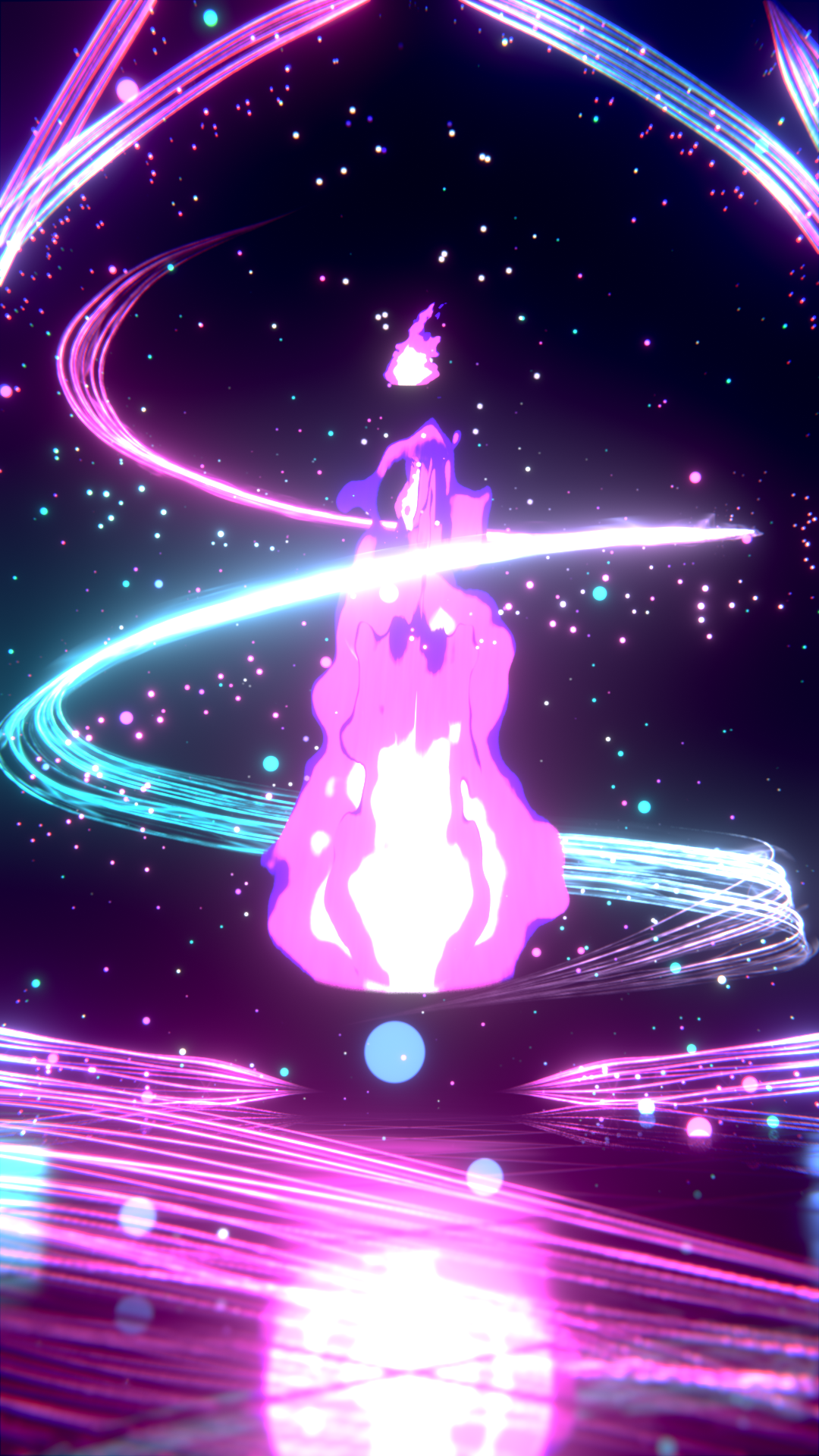
Set the mood in motion.
Choose procedural fire, steam, smoke, god rays or scene-lit fog. Explore realistic and stylized looks, then tune colors, materials and motion. Rain ripples add another layer to your scene, including supported surface-placement workflows.
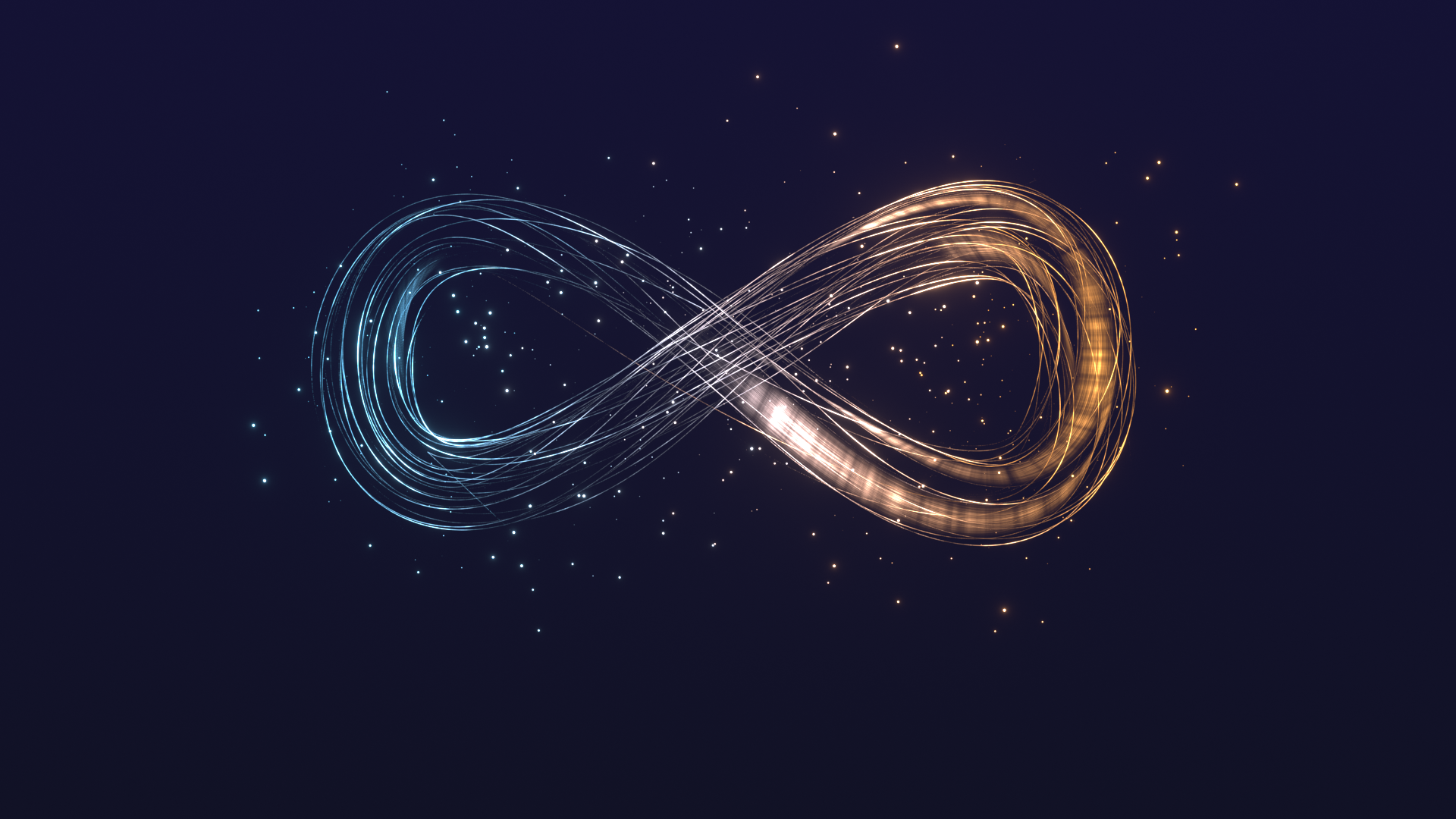
Flow along your own curves.
Send filaments along editable curves or trace a mesh wireframe. Slow Motion divides strand, webbing and spark travel speed from 1 to 16 while preserving the loop period. Spark Speed Variation controls how much individual spark speeds differ.
Make your own grand finale.
Explore Classic, Ring, Willow, Palm, Crackle, painterly and Strobe looks, plus Custom Shape fireworks. Form a burst from a curve, mesh, SVG or image, and use image colors to recreate a picture in sparks. Adjust Burst Size, orientation, palettes and launch timing.
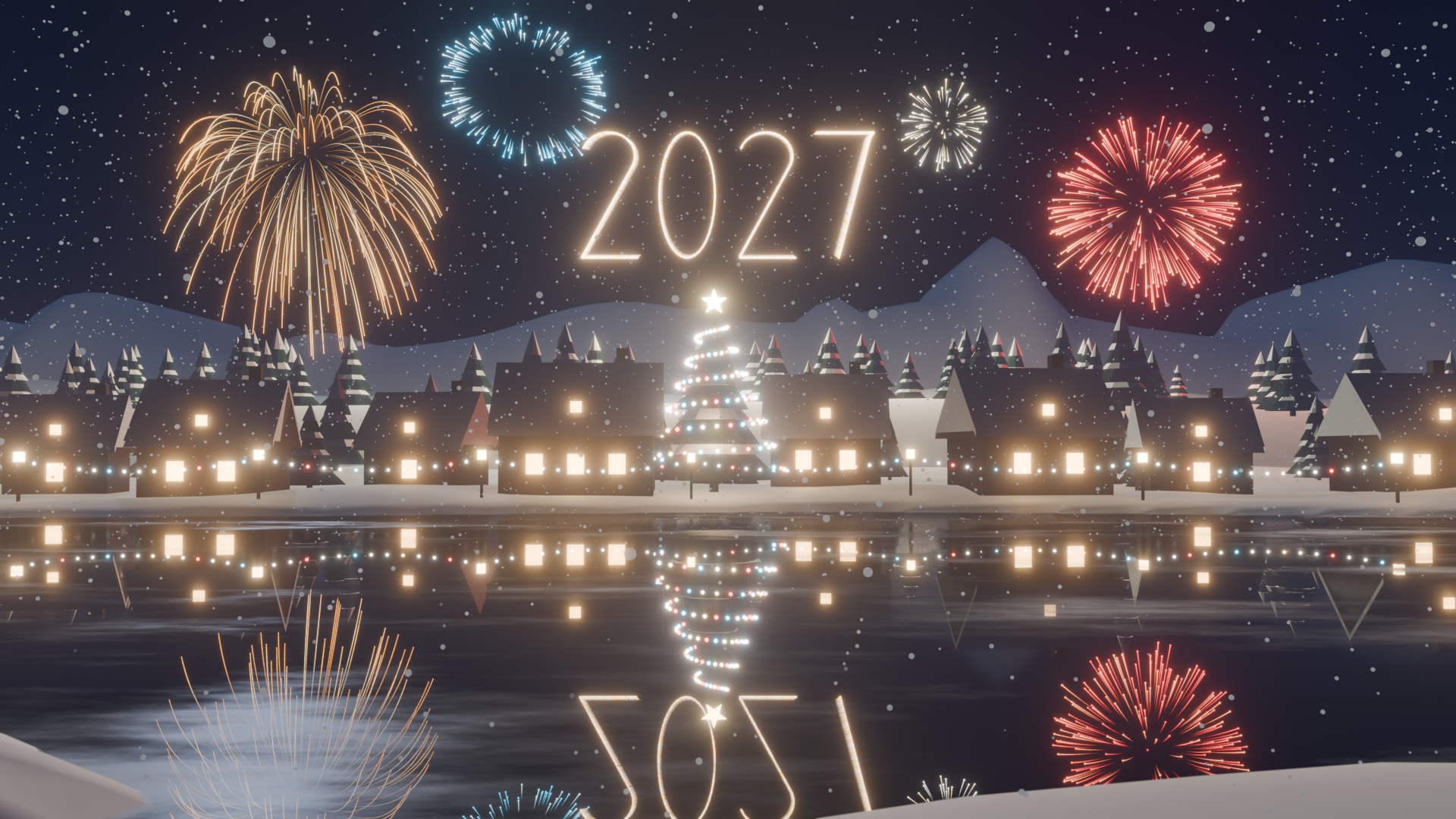
Start with a finished scene.
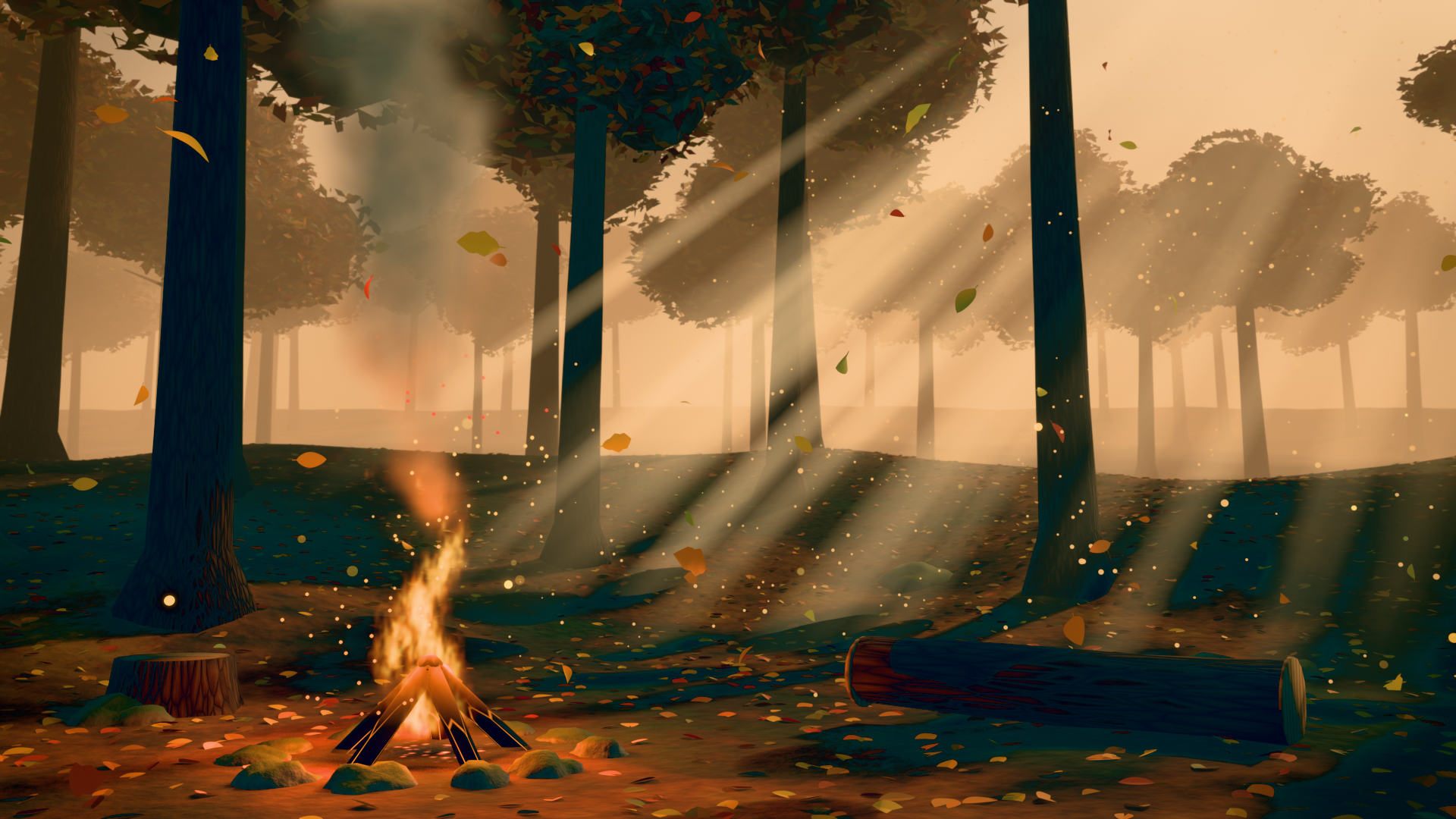
Explore 32 grouped effects and 99 example and variation scenes. Three finished showcases — Neon Arcane Flame, Golden Forest Clearing and Winter Fireworks Festival — give you scenes to render, inspect and adapt. Example files are saved in Blender 5.2.2.
One place for timing, color and quality.
The reorganized panels put loop settings first, followed by form, motion, detail, color and glow, materials and quality. Adjust each effect's range to match your timeline and use seeded variation to explore repeatable results.
Tech specs
- Compatibility
- Blender 5.0 or newer; targeted checks in 5.0.1 and 5.2.2
- Example files
- Saved in Blender 5.2.2
- Engine
- Procedural Geometry Nodes; no simulation baking
- Effects
- Weather, particles, fire, steam, smoke, light, fog, ripples, energy and fireworks
- Customization
- Colors, materials, seeded variation and effect-specific motion controls
- Energy paths
- Editable curves and mesh wireframes
- Shape fireworks
- Curve, mesh, SVG and image sources
- Included examples
- 32 grouped effects, 99 example/variation scenes, 3 finished showcases
- Installation
- Preferences > Add-ons > Install from Disk; select the add-on ZIP
- Loop requirements
- User-supplied animations and cameras must repeat independently
- Scope
- Cloud/sky effects and collision/fluid simulation are not included